
A handy function is to use the “Other Project” source to bring in assets from projects you have previously produced. When expanding “Other Projects,” you will get a list of your folders, and clicking a folder (or the “Main Project List”) will reveal the assets from those projects.
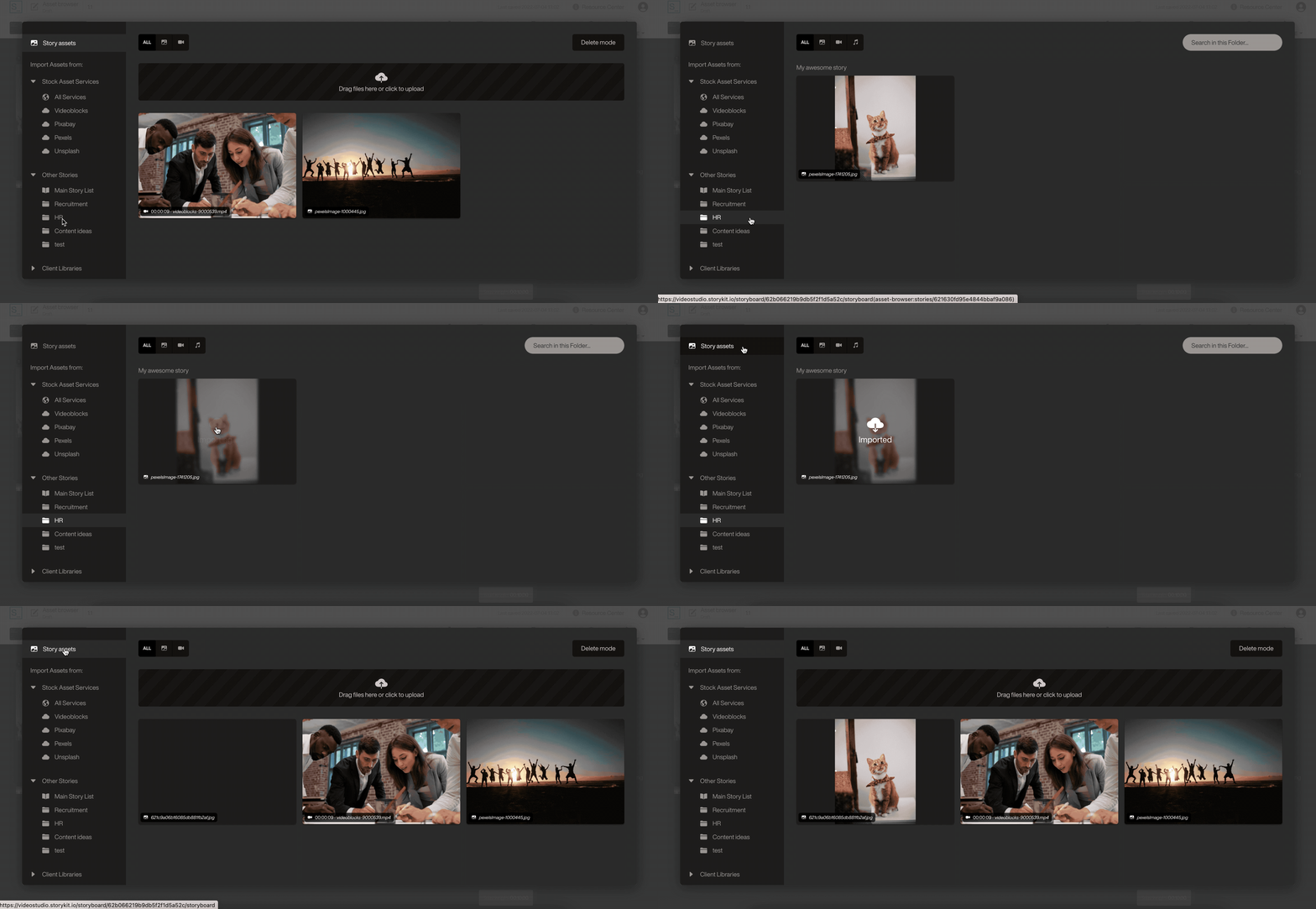
You can use both the filter function and the search function to speed up finding the correct asset. And when you have found it, hover over it and click import to bring it into your current story. This is a great way to re-use assets.