
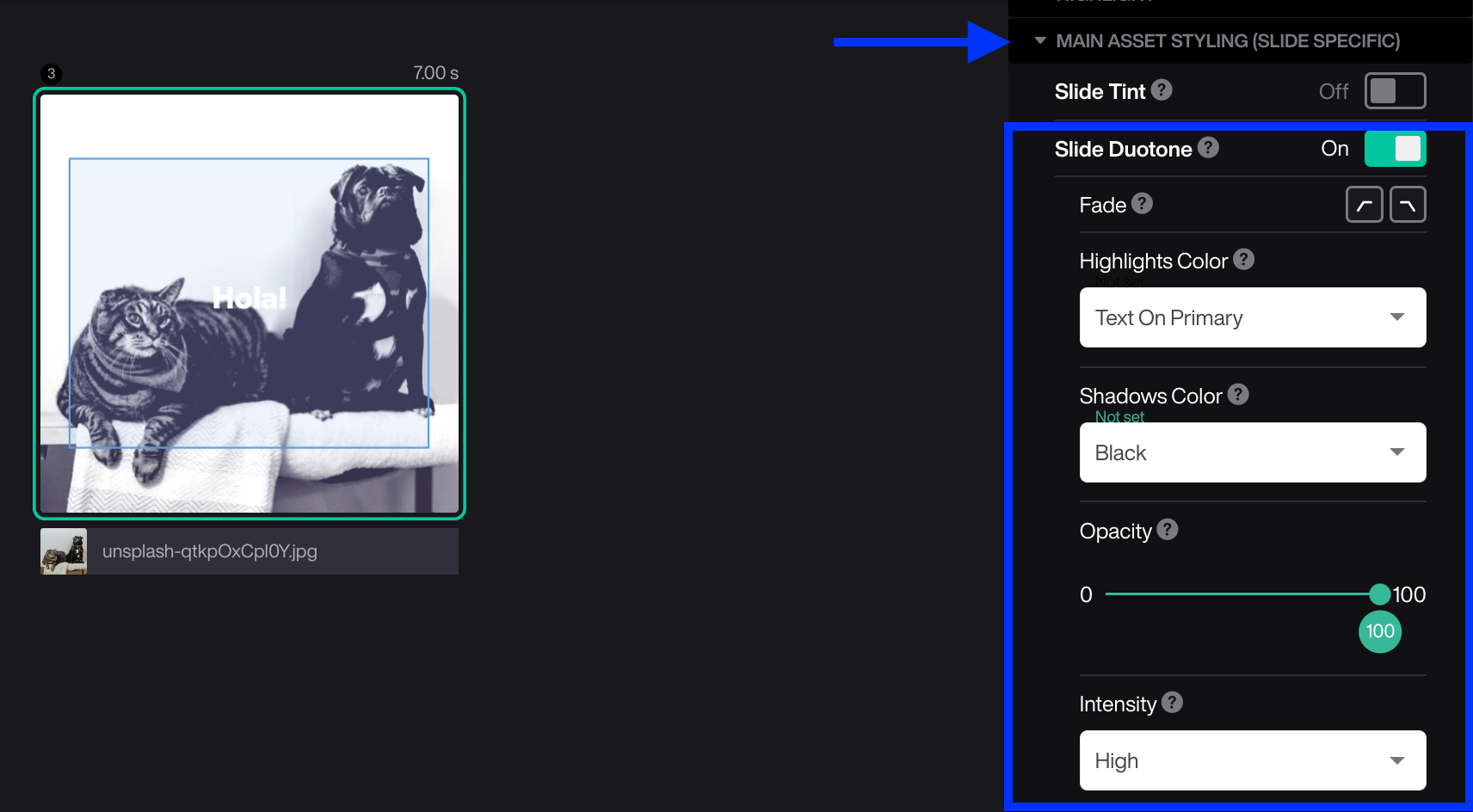
The duotone effect is created by replacing an asset's "shadows" and "highlights" with two colors of your choice. For best results, turn on Monochrome before setting the duotone.
- Mark the slide
- Open Main asset styling
- Turn ON Duotone
- Set the color for Highlight (bright areas in your asset)
- Set the color for Shadow (dark areas in your asset)
Tips!
- The tone can fade in and out on a single slide.
- You can adjust the opacity from 0 (transparent) to 100 (fully covered).
- It's’ possible to set the intensity of the effect by Low/Medium/High