
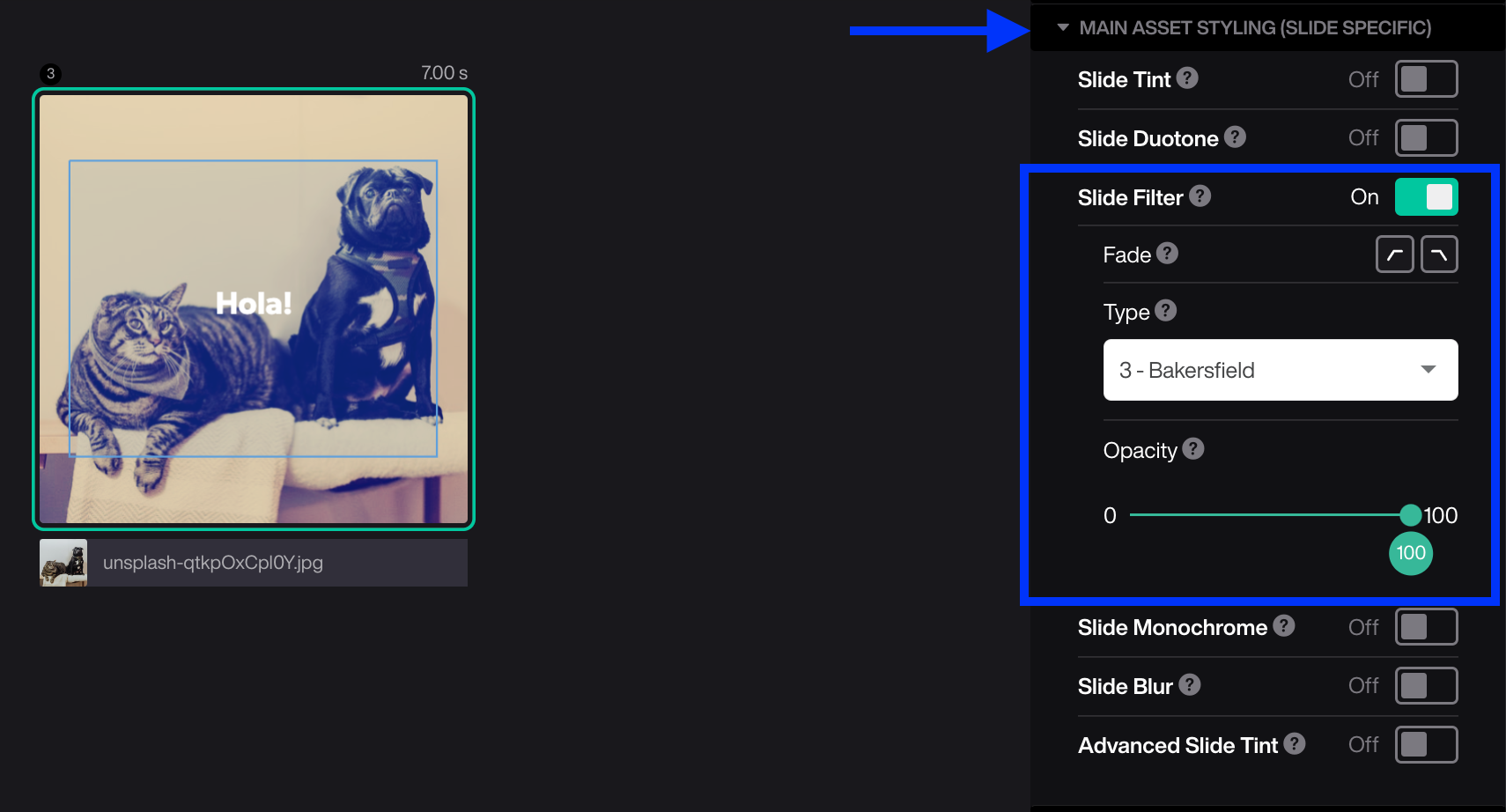
The filter applies a “photo filter” to the asset, a very similar effect to the one you might find in your mobile camera or on social media.
- Mark the slide
- Open Main asset styling
- Turn ON Filter
- Choose Filter (No Filter is set as default)
Tips!
- The filter can fade in and out on a single slide.
- You can adjust the opacity from 0 (transparent) to 100 (fully covered).
- Test to combine the filter with monochrome.