
As a default functionality, your "music" plays over the entire video. To use audio from both “Music” and “Main asset” you change this on a slide-per-slide basis.
- Mark the slide you want to mix music and main asset audio on
- Go to “Audio controls” in the side settings
- Click on “Mix Music and Main Asset Audio”
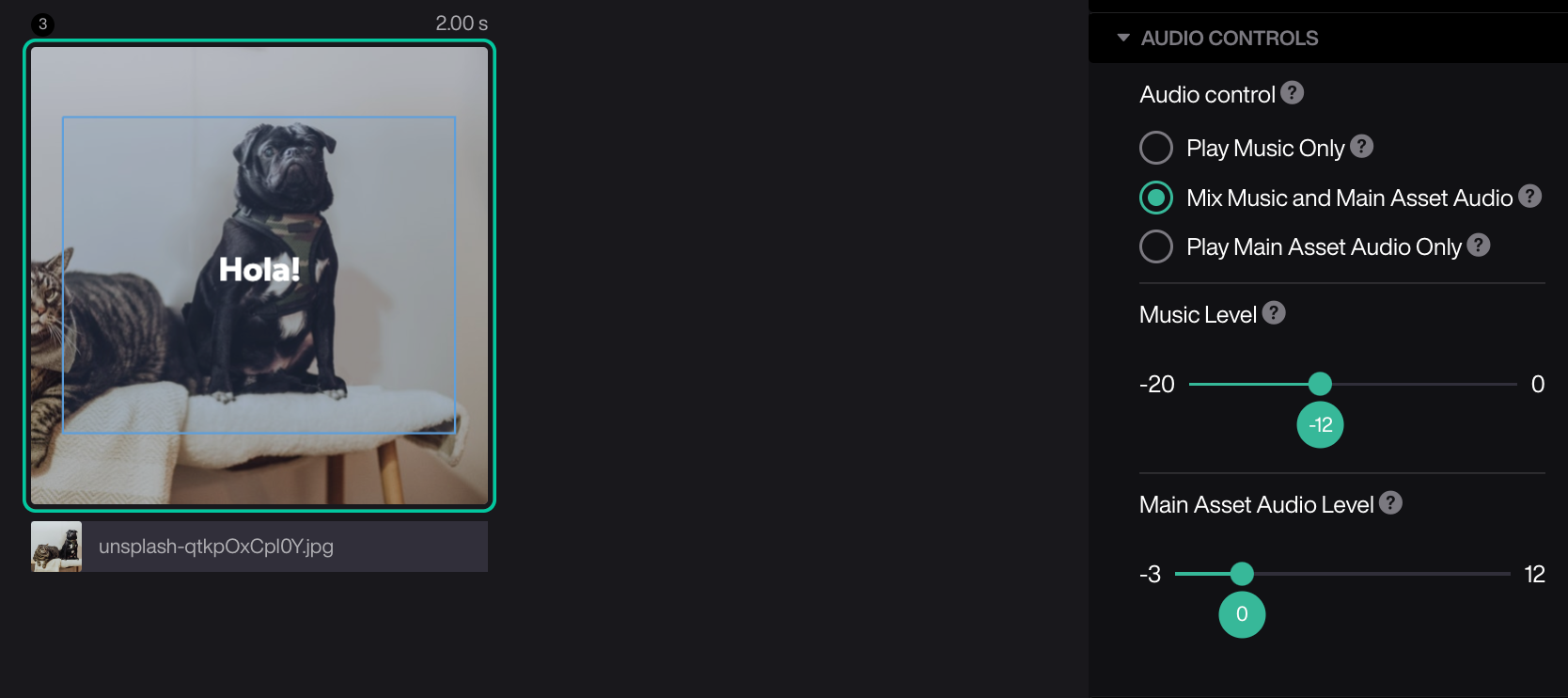
The background music will automatically be lowered so that the audio from the uploaded video asset will be heard.